Commercial Video Surveillance
A camera system is only as good as what it can actually show when you need it. We plan coverage first, then install, aim and set up IP cameras for commercial, industrial and multi-residential buildings, yards and parking areas.
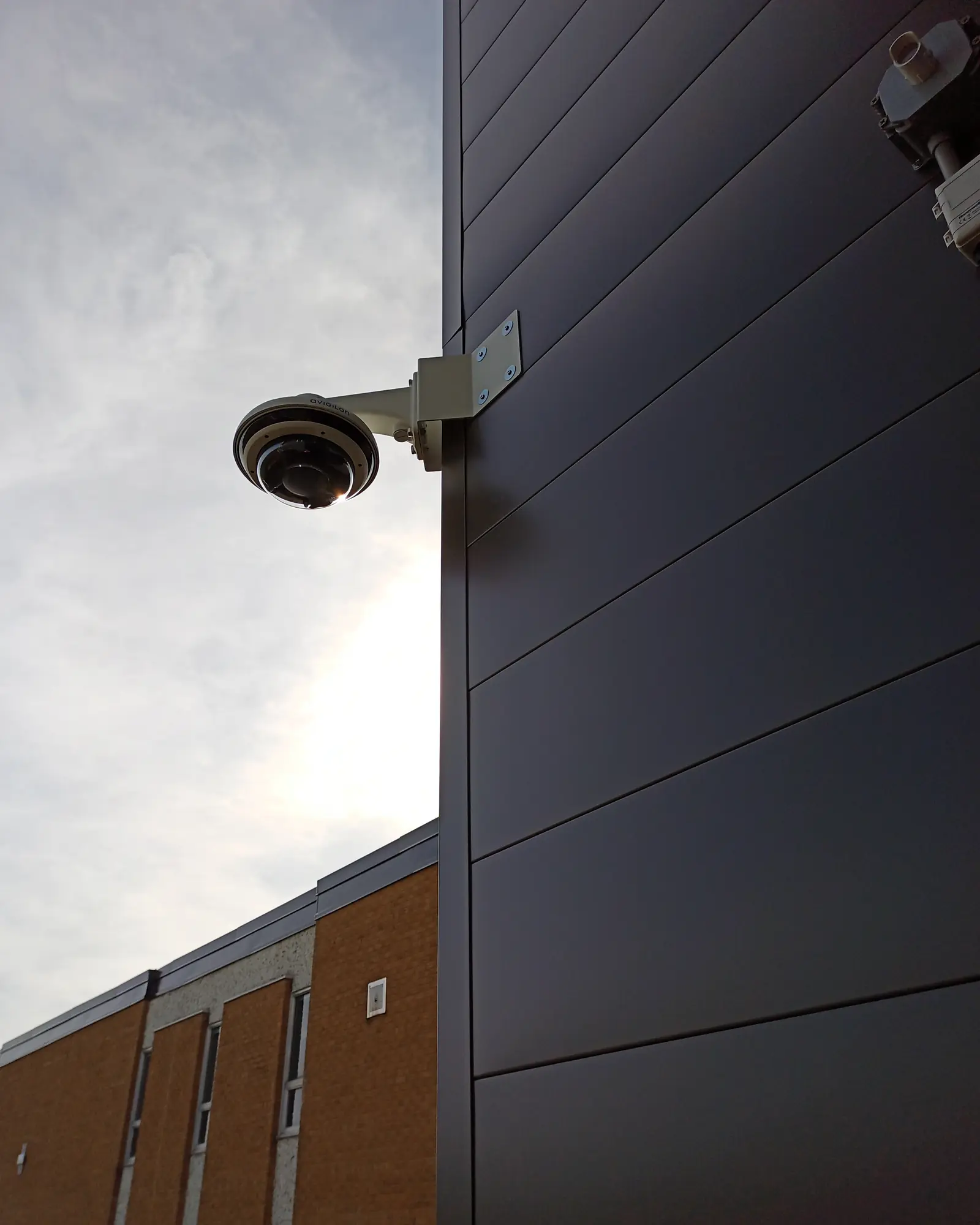
Scope of work
Each part of the system, and what we do on it.
| Part | What we do |
|---|---|
| Cameras | Dome, bullet, panoramic, fisheye and PTZ IP cameras for interiors, exteriors, docks and stairwells |
| Multi-sensor | Several camera views in one housing on one cable: a full field of view, and a common replacement for an old PTZ |
| Licence plates | Licence-plate (LPR) cameras at gates and entrances, set up to read plates day and night |
| Thermal | Thermal cameras that pick up people and vehicles in darkness, glare and bad weather |
| Mounting | Wall, corner, pole and non-penetrating roof-sled mounts; exterior work in winter conditions |
| Recording | On-site recorders, recording at the edge on each camera, or cloud recording |
| Software | Video management software set up with user accounts, camera names and video analytics where they help |
| Aiming | Each camera aimed and focused to the coverage plan, with a fixed network address so it doesn't drop off the recorder |
| Handover | Coverage reviewed with you on screen, and operators trained to find and export video |
The final scope follows the drawings, the site walk and what each trade supplies.
Planning coverage
Start with what each camera has to show. Seeing that someone crossed a yard, recognizing a person you know, and identifying a stranger or a plate are different jobs, and each needs more detail on the subject than the last. A camera that detects movement at the fence won't identify a face there.
Mounting height and angle decide where a camera's blind spot falls and how far it sees usefully. We plan overlap so the area under one camera is covered by the next, rather than finding the gap at handover.
Why fixed addresses matter
Every camera we aim gets a fixed network address. A camera that picks up a new address after a power cut can drop off the recorder without anyone noticing until footage is needed.
- 1
- Camera, height and tilt
- Mounting height and tilt set the blind zone at the base and the useful far limit, before any lens is chosen.
- 2
- PoE cabling
- One cable carries power and video. Cable length usually limits where a camera can go.
- 3
- Recorder and storage
- Recording continues on site if the internet connection drops. Storage is sized from resolution, frame rate and how many days of video you need to keep.
- 4
- Blind zone
- Nothing directly beneath a camera is covered. The next camera is placed to see that area.
- 5
- Coverage bands
- Identify, recognise and detect are pixel-density bands — roughly 250, 125 and 25 pixels per metre. A camera that detects at the fence will not identify at the fence.
Need video surveillance work?
Tell us about the building and what you need. A few lines is enough; drawings can follow by email.